Guide
What ParsRAG is
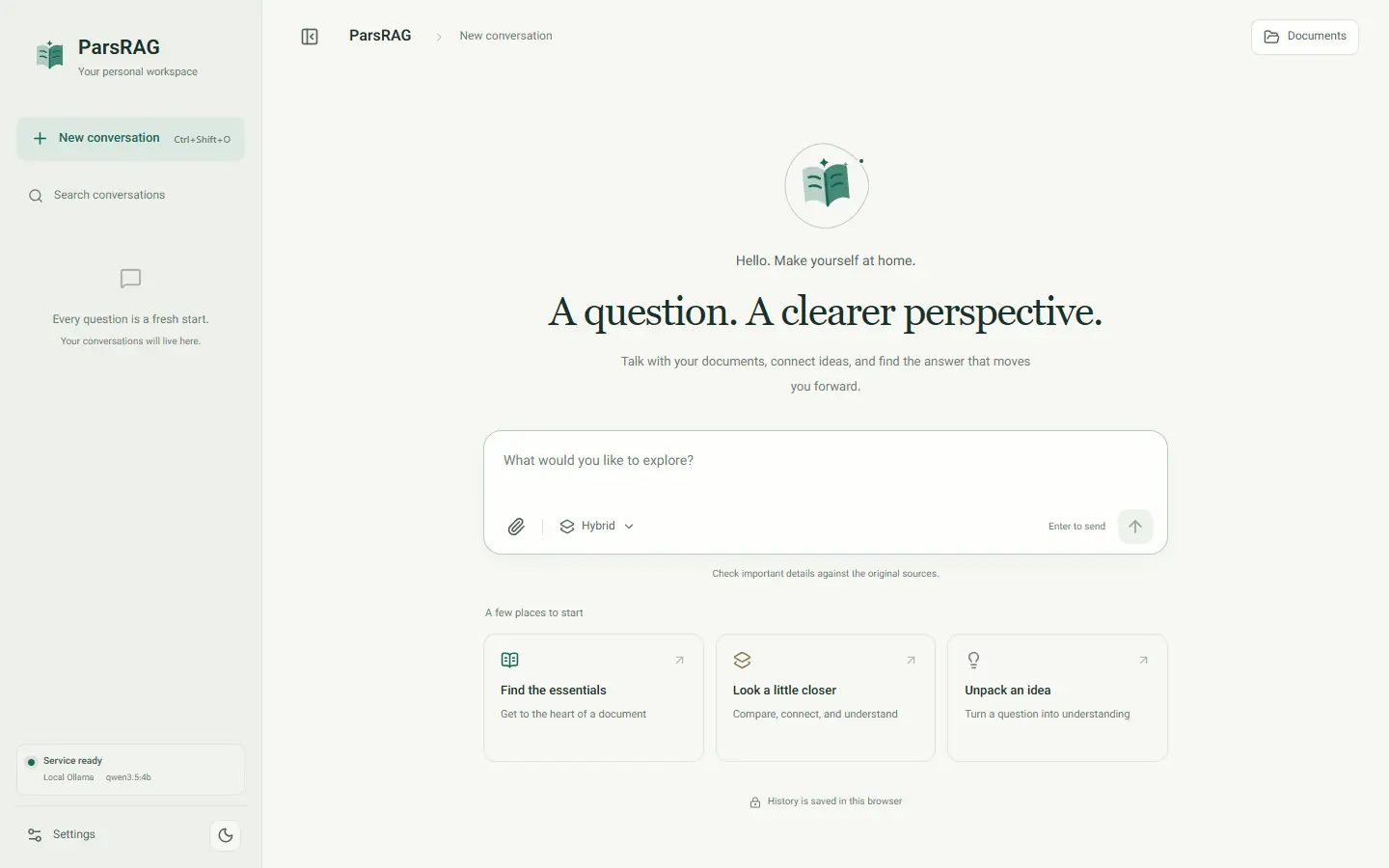
ParsRAG is a bilingual, offline-first workspace for asking questions about Persian and English documents. It reads PDF, Word, PowerPoint, scans, images, text and code, and every answer cites the file and location it came from.
Ask your documents
Upload files to a conversation, then ask in Persian or English. Mention a file with @ to search only that file.
Check every answer
Answers carry numbered citations that open the exact passage, with its page, slide, paragraph, table or image. A passage read from a picture shows the picture too.
Local by design
Reading, OCR, the search index and conversation history stay on your machine. You choose where the answer is written.
Persian first
Right-to-left interface, Persian OCR, Persian spelling normalization and Persian PDF reading order are built in.
The release at a glance
- Version
- 1.1.2, released October 24, 2026
- License
- Source-available, not open source
- Runs on
- Windows, macOS and Linux with Docker Compose; natively with Python 3.12 and Node.js 22
- Backend
- Python, FastAPI, LlamaIndex, Qdrant, sentence-transformers, PyMuPDF, Tesseract OCR
- Frontend
- React 19, TypeScript 7, Vite, KaTeX
- Recommended model setup
- The Ollama already installed on your computer, with its models and GPU; .env.example names qwen2.5:7b
- Settings
- 27 options change in the app without a restart; each can be reset to its .env value